


In the Account Setup menu you can make additional configurations to your account, to improve your user experience.
a) Account Settings
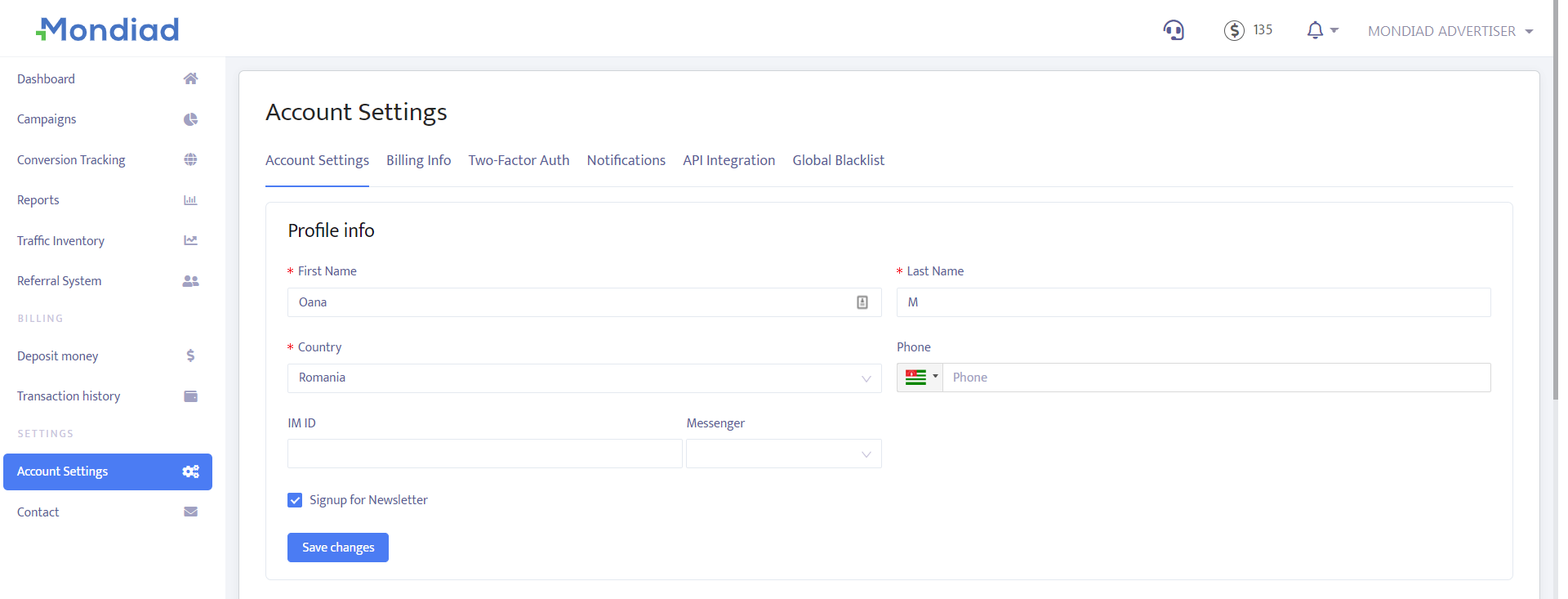
- Fill in your contact details.
- Change your account email.
- Change your password.
- Choose to sign up for our newsletter.
b) Billing Info
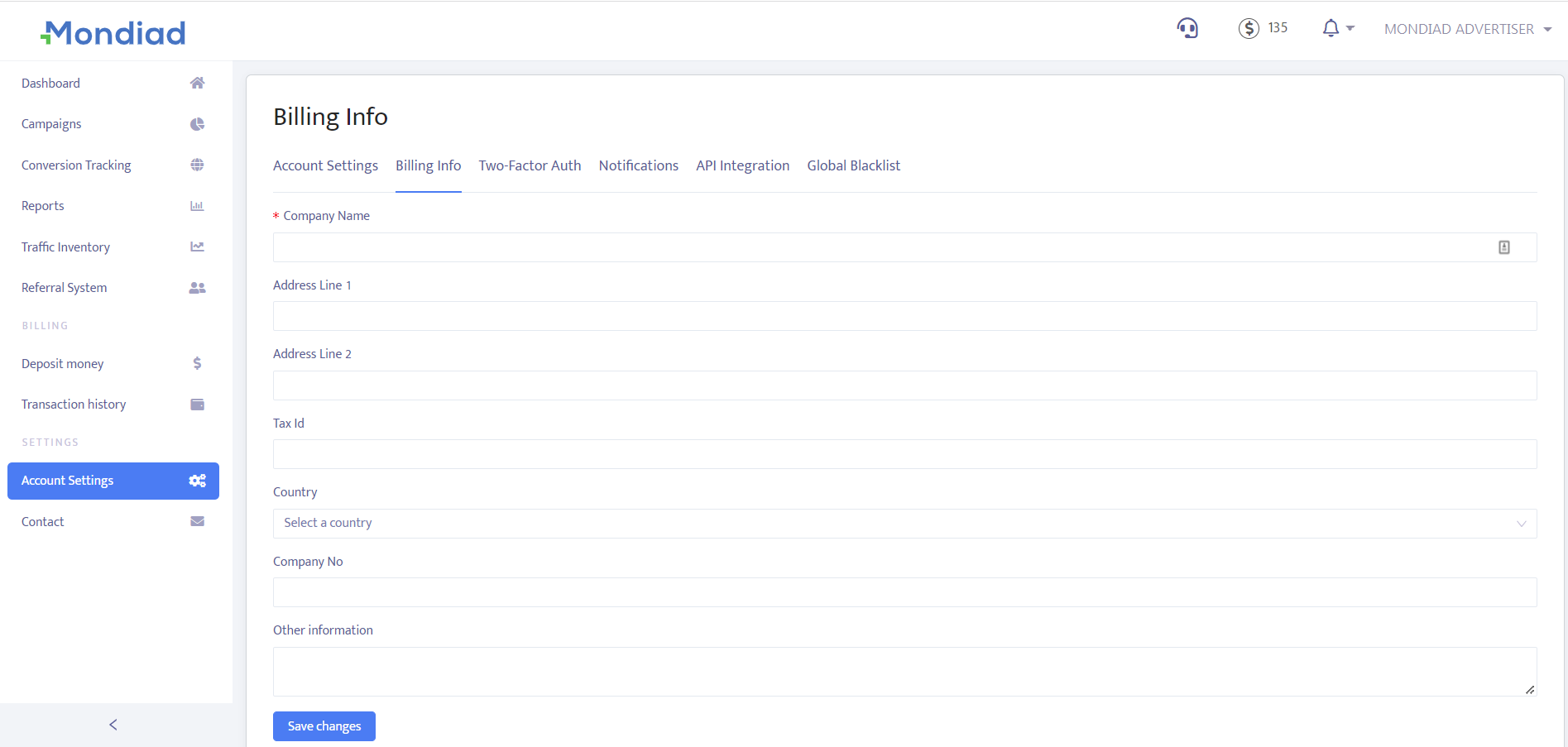
By default, your billing information will be automatically filled in. If needed, you can update billing info such as: Company Name, Address, Country, Tax Id, Company No, other information.
c) Two-Factor Authentication
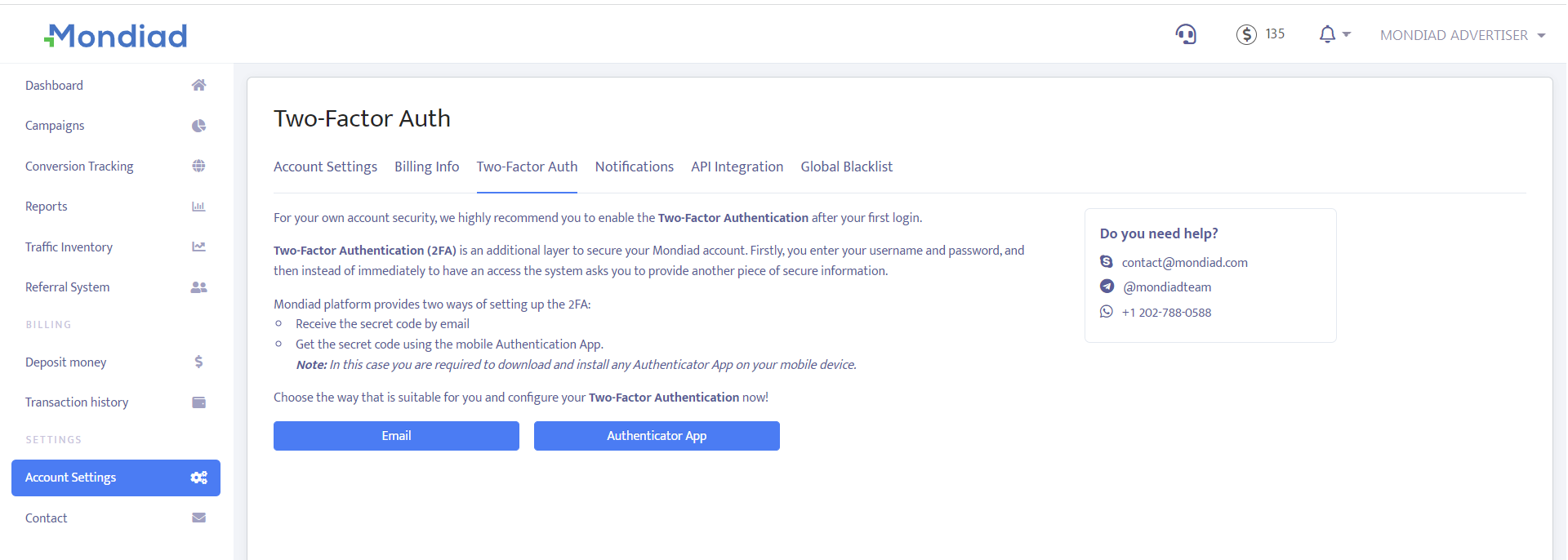
Enable/Disable the Two-Factor Authentication. We recommend using the Two-Factor Authentication feature for the safety of your account.
d) Notifications
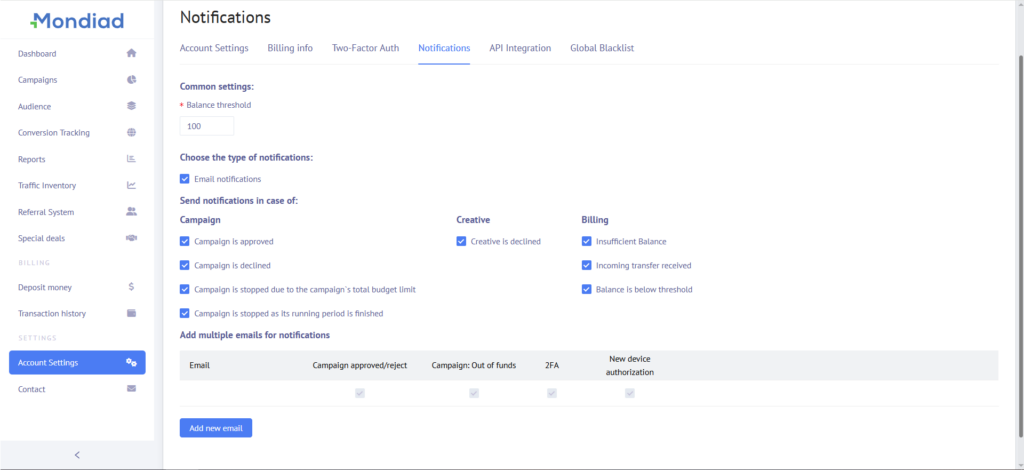
Add up to 5 email addresses for this account.
Choose the type of email notifications you wish to receive:
Campaign
Creative
Billing
e) API Integration
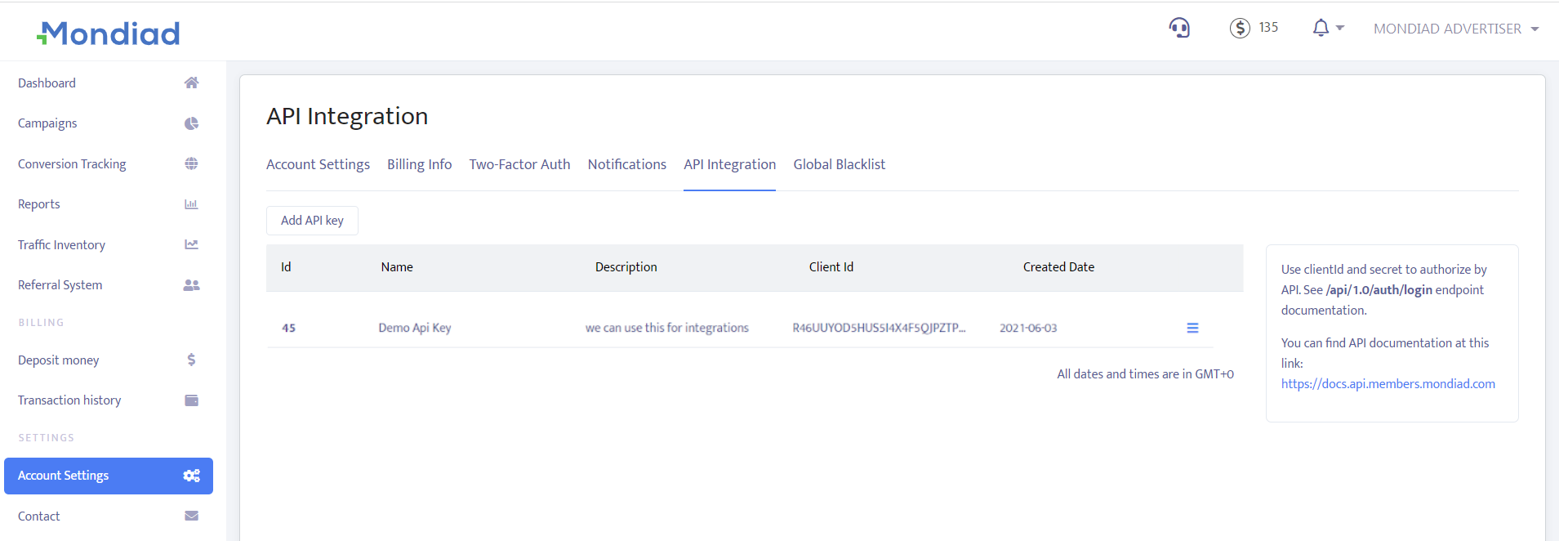
Generate an API key ( client id / client secret ) and check our API documentation at this LINK:
f) Global Blacklist
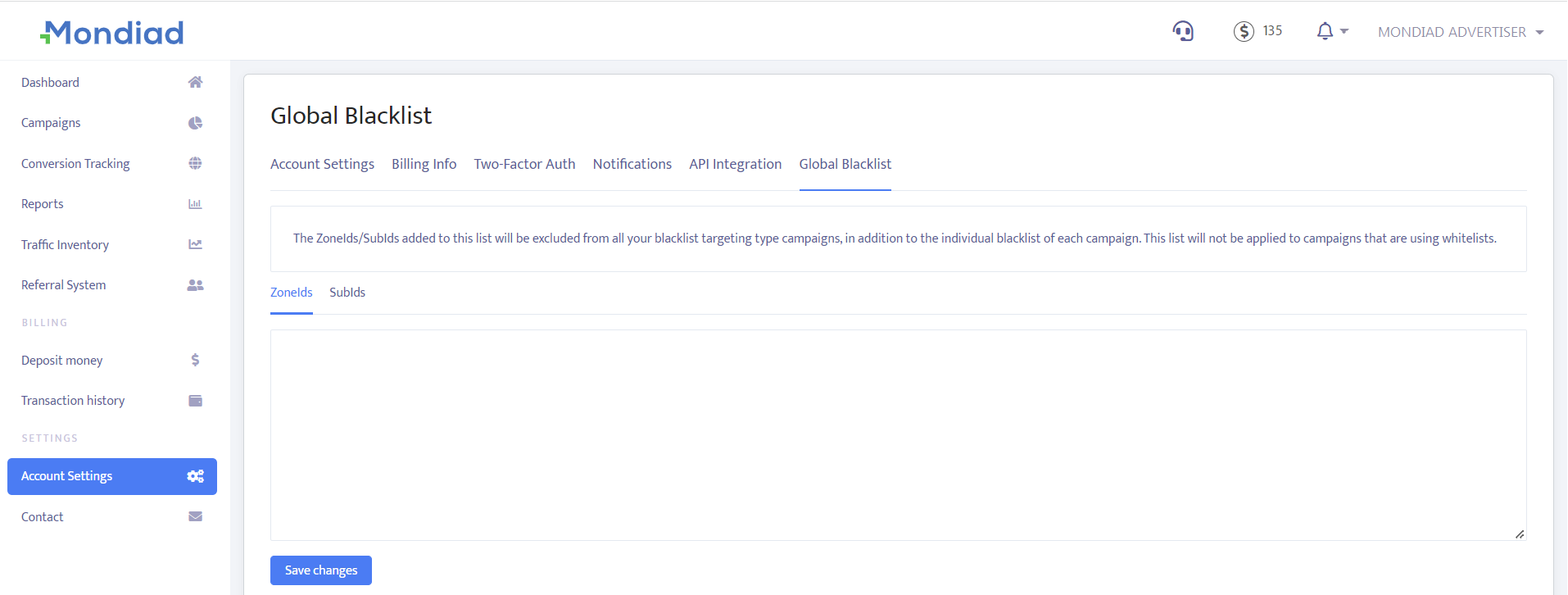
The ZoneIds/SubIds added to this list will be excluded from all your blacklist targeting type campaigns, in addition to the individual blacklist of each campaign. This list will not be applied to campaigns that are using whitelists.